

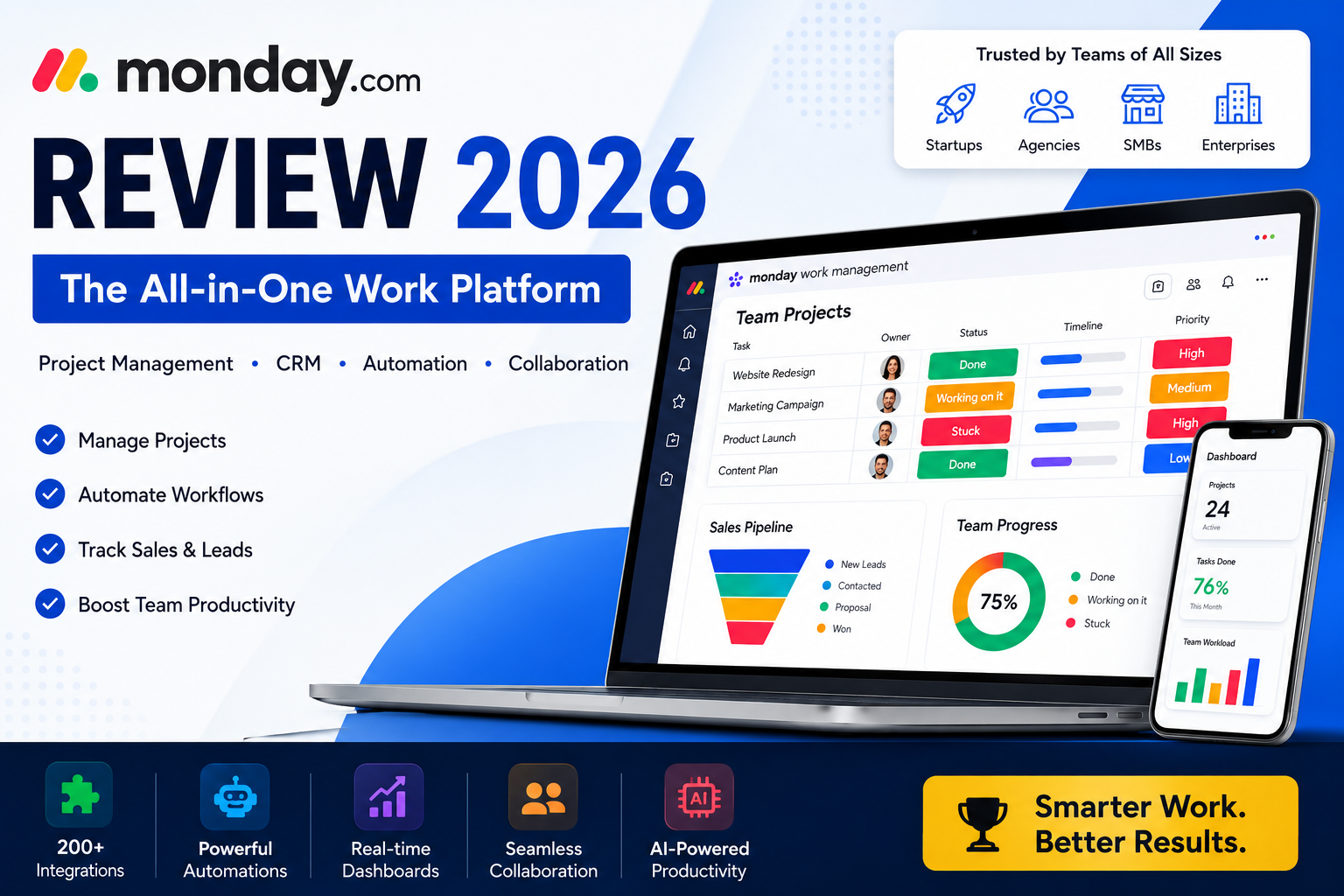
monday.com Review: The All-in-One Work Platform for Projects, CRM, Automation & Team Productivity
Looking for one platform to manage projects, sales pipelines, marketing campaigns, development work, service requests, and team collaboration? monday.com is built for teams that want clearer workflows, faster execution, and better visibility.
Try monday.com Explore FeaturesWhat Is monday.com?
monday.com is a flexible work platform designed to help businesses manage projects, workflows, sales pipelines, team operations, product development, service requests, and reporting from one centralized workspace.
Instead of using separate tools for task management, CRM, spreadsheets, approvals, dashboards, and team communication, monday.com allows teams to build customized workflows around how their business actually operates.
For growing companies, this can reduce tool overload and make daily work easier to track, assign, automate, and measure.
Quick Verdict: Who Should Consider monday.com?
Project Teams
Track tasks, timelines, owners, priorities, dependencies, and project progress.
Sales Teams
Manage leads, deals, contacts, follow-ups, pipelines, and sales activities.
Agencies
Handle clients, campaigns, approvals, deliverables, reports, and recurring work.
monday.com Main Products
monday Work Management
Best for managing projects, operations, marketing calendars, tasks, timelines, resources, and cross-functional work.
monday CRM
Best for sales teams that need lead tracking, pipelines, contact management, deal progress, automation, and sales visibility.
monday Dev
Best for product and engineering teams that need sprint planning, roadmaps, bug tracking, release workflows, and agile dashboards.
monday Service
Best for IT, support, and service teams that need ticket management, request tracking, service workflows, and internal support operations.
Ready to organize your team’s work in one place?
Use monday.com to manage projects, CRM, automation, dashboards, and collaboration from a single platform.
Start with monday.comTop monday.com Features
1. Visual Project Management
monday.com makes project tracking visual and easy to understand. Teams can use boards, timelines, Kanban views, calendars, dashboards, and Gantt-style planning to see what needs to be done and who owns each task.
2. Workflow Automation
Automation is one of the biggest reasons teams choose monday.com. You can automate reminders, task assignments, status changes, approvals, follow-ups, notifications, and repetitive admin work.
3. CRM & Sales Pipeline Management
monday CRM helps teams manage leads, contacts, deals, pipelines, follow-ups, revenue activity, and customer communication. This makes it useful for sales teams, agencies, consultants, and service businesses.
4. AI-Powered Workflows
monday.com has been expanding its AI capabilities across work management, CRM, service, and development workflows. AI can help teams summarize work, automate actions, improve updates, and move faster.
5. Dashboards & Reporting
Managers can create dashboards to monitor project health, team workload, revenue pipelines, deadlines, campaign performance, and operational progress.
6. Integrations
monday.com integrates with popular business tools, helping teams connect communication, files, calendars, CRM data, automation, and reporting workflows.
monday.com Use Cases by Team
| Team Type | How monday.com Helps | Best Feature |
|---|---|---|
| Marketing Teams | Campaign planning, content calendars, approvals, creative requests, reporting. | Boards, automations, dashboards |
| Sales Teams | Lead tracking, deal pipelines, follow-ups, customer notes, revenue visibility. | monday CRM |
| Agencies | Client projects, deliverables, timelines, internal tasks, reporting. | Client workflow dashboards |
| Software Teams | Sprints, roadmaps, bug tracking, releases, backlog management. | monday Dev |
| Operations Teams | Internal workflows, approvals, resource planning, process tracking. | Workflow automation |
| IT & Support Teams | Tickets, requests, service tracking, internal support operations. | monday Service |
monday.com Pricing Overview
monday.com pricing depends on the product and plan you choose. monday Work Management and monday Dev typically include Basic, Standard, Pro, and Enterprise paid plans. monday CRM has Basic, Standard, Pro, and Ultimate plans. monday Service starts from Standard and does not include a Basic plan.
The Free plan is available for monday Work Management and is useful for getting started with basic features.
Free
Good for individuals or very small teams testing the platform.
Basic
Good for simple task and project organization.
Standard
Good for growing teams that need more views, collaboration, and workflow power.
Pro
Good for advanced workflows, dashboards, reporting, and automation needs.
Enterprise
Good for larger organizations needing advanced security, scale, governance, and control.
Ultimate CRM
Good for sales teams needing higher-level CRM capabilities.
Pros and Cons
Pros
- Flexible for many business types
- Strong project management features
- Built-in CRM option
- Useful workflow automation
- Modern dashboard and reporting tools
- Good for remote and hybrid teams
- Supports marketing, sales, operations, dev, and service teams
Cons
- Advanced features may require higher plans
- Large teams should compare pricing carefully
- Initial setup can take time if workflows are complex
- Too much customization may feel overwhelming at first
monday.com vs Other Tools
| Comparison | Best Choice | Why |
|---|---|---|
| monday.com vs Trello | monday.com | Better for growing teams, reporting, CRM, and automation. |
| monday.com vs Asana | Depends | Asana is strong for task management; monday.com is broader for workflows and CRM. |
| monday.com vs ClickUp | Depends | ClickUp is highly customizable; monday.com feels cleaner and easier for many teams. |
| monday.com vs Spreadsheets | monday.com | Better for automation, accountability, dashboards, and collaboration. |
Stop managing important work in scattered tools
Bring projects, CRM, workflows, automations, dashboards, and team collaboration into one platform.
Try monday.com TodayIs monday.com Worth It?
Yes, monday.com is worth considering if your team needs more than a basic task list. It is especially useful when your business wants a single platform for project management, CRM, automation, team collaboration, dashboards, and workflow visibility.
For small teams, monday.com can help replace scattered spreadsheets and disconnected apps. For growing companies, it can provide better structure and accountability. For sales, marketing, product, and operations teams, it can become a central workspace for planning and execution.
Frequently Asked Questions
Is monday.com good for small businesses?
Yes. Small businesses can use monday.com to manage tasks, projects, customers, campaigns, and internal workflows in one place.
Does monday.com have CRM features?
Yes. monday CRM is designed for sales pipelines, contacts, leads, deals, customer activity, and sales workflow automation.
Can monday.com replace spreadsheets?
For many teams, yes. monday.com is more visual, collaborative, automated, and trackable than static spreadsheets.
Is monday.com useful for agencies?
Yes. Agencies can use monday.com for client projects, campaign planning, approvals, deliverables, reporting, and workload management.
Does monday.com support automation?
Yes. monday.com supports workflow automation for notifications, task assignments, status updates, approvals, and repetitive work.
Is monday.com only for project management?
No. monday.com also offers CRM, Dev, Service, dashboards, automation, AI-powered workflows, and team collaboration features.
Final Verdict
monday.com is one of the strongest choices for teams that want a modern, flexible, and scalable work platform. It is more than a project management tool because it also supports CRM, automation, software development workflows, service management, dashboards, and AI-powered productivity.
If your business is growing and you want better visibility, cleaner collaboration, fewer scattered tools, and more automation, monday.com is a smart platform to explore.