

If you are looking for a simple way to manage projects, organize tasks, and improve teamwork, you may have come across monday.com. But what is monday.com, and why do so many businesses use it? This beginner-friendly guide explains everything you need to know about the platform, including its features, benefits, pricing, and who should use it.
Whether you work alone, manage a small business, or lead a large team, monday.com makes it easier to plan work, track progress, and keep everyone on the same page.
What Is monday.com?
monday.com is a cloud-based work management and project management platform designed to help teams organize their daily work. Instead of managing projects through emails, spreadsheets, or paper notes, everything is stored in one central workspace.
Users can create projects, assign tasks, set deadlines, track progress, upload files, and communicate with team members from a single dashboard. The platform is flexible enough to support marketing teams, software developers, HR departments, sales teams, and many other industries.
If you are interested in improving productivity, you can also explore our guides on project management software, workflow automation, and team collaboration tools.
Key Features of monday.com
One of the reasons beginners like monday.com is its clean and easy-to-use interface. You do not need technical knowledge to get started.
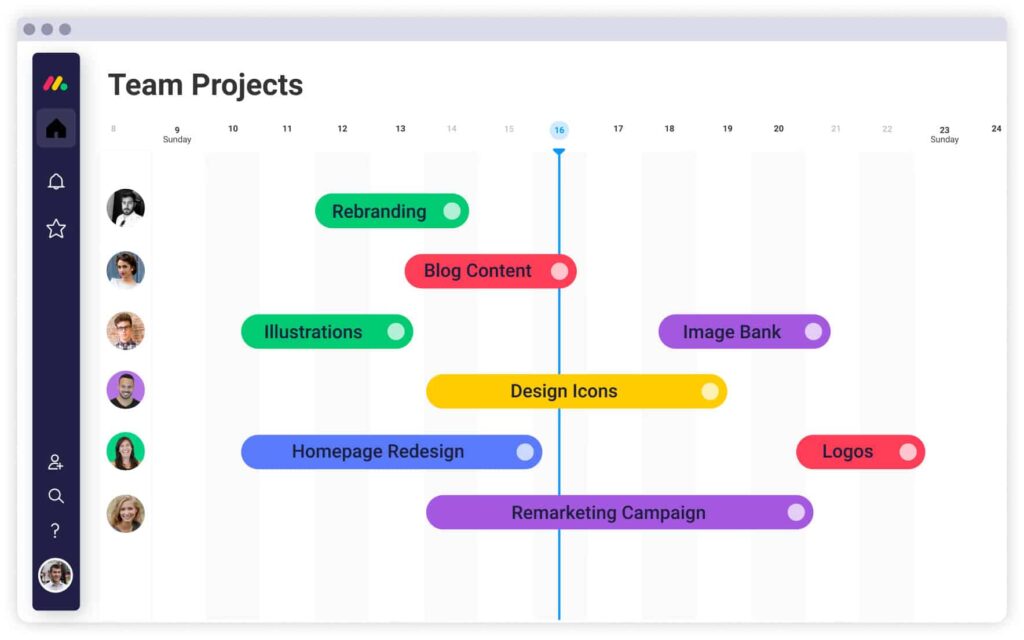
Some of its most useful features include:
- Visual project boards
- Task assignment and deadline tracking
- Calendar, Kanban, Timeline, and Gantt views
- Workflow automation
- Real-time team collaboration
- File sharing and document management
- Custom dashboards and reports
- Integration with popular business applications
- Mobile app for managing work anywhere
These features help teams stay organized while reducing manual work.
monday.com vs Traditional Project Management
| Feature | monday.com | Traditional Methods |
|---|---|---|
| Task Management | Digital and organized | Manual spreadsheets |
| Team Communication | Built into the platform | Emails and meetings |
| Workflow Automation | Yes | Usually unavailable |
| Project Tracking | Real-time updates | Manual progress checks |
| Reporting | Instant dashboards | Time-consuming reports |
This comparison shows how monday.com simplifies project management and improves team productivity.
Benefits of Using monday.com
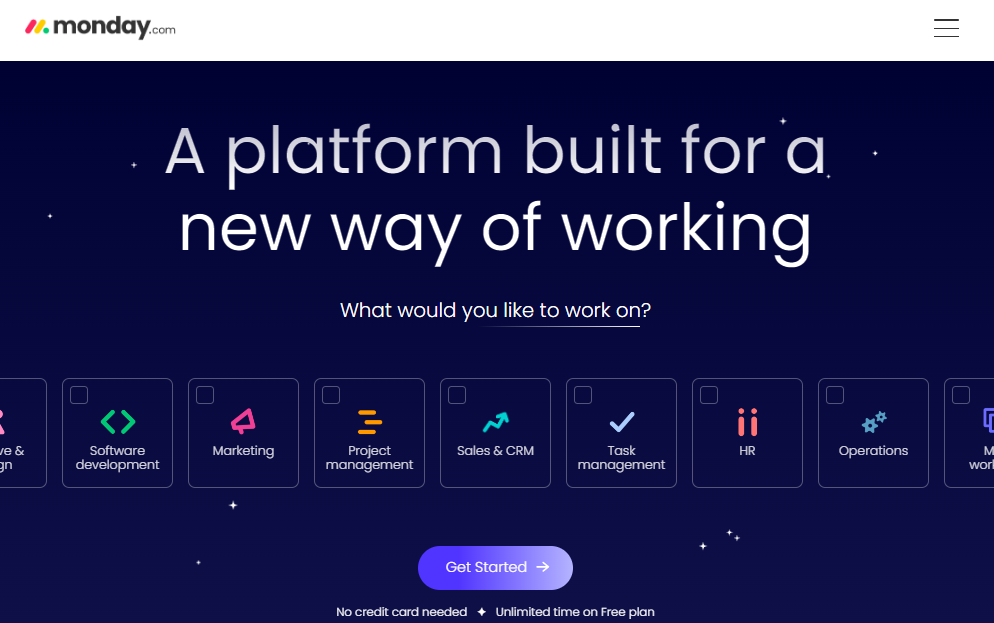
One of the biggest benefits of monday.com is better visibility. Every team member can see assigned tasks, upcoming deadlines, and project progress without asking for constant updates.
Automation helps reduce repetitive work by sending reminders, updating task statuses, and notifying team members automatically. This saves time and improves efficiency.
The platform is also highly customizable. Businesses can create workflows that match their own processes instead of changing the way they work.
Is monday.com Right for Beginners?
Yes, monday.com is an excellent choice for beginners because it combines powerful features with a simple interface. New users can start with basic task management and gradually explore advanced features like automation, dashboards, and integrations as their needs grow.
Its flexible pricing also makes it suitable for freelancers, startups, small businesses, and large organizations.
Final Thoughts
If you have been wondering what is monday.com, the answer is simple. It is an easy-to-use work management platform that helps individuals and teams organize projects, collaborate more effectively, and complete work on time. With its user-friendly design, flexible features, and scalable plans, monday.com is a reliable solution for businesses of every size. It is a smart choice for anyone who wants to manage work more efficiently while keeping projects organized from start to finish.