

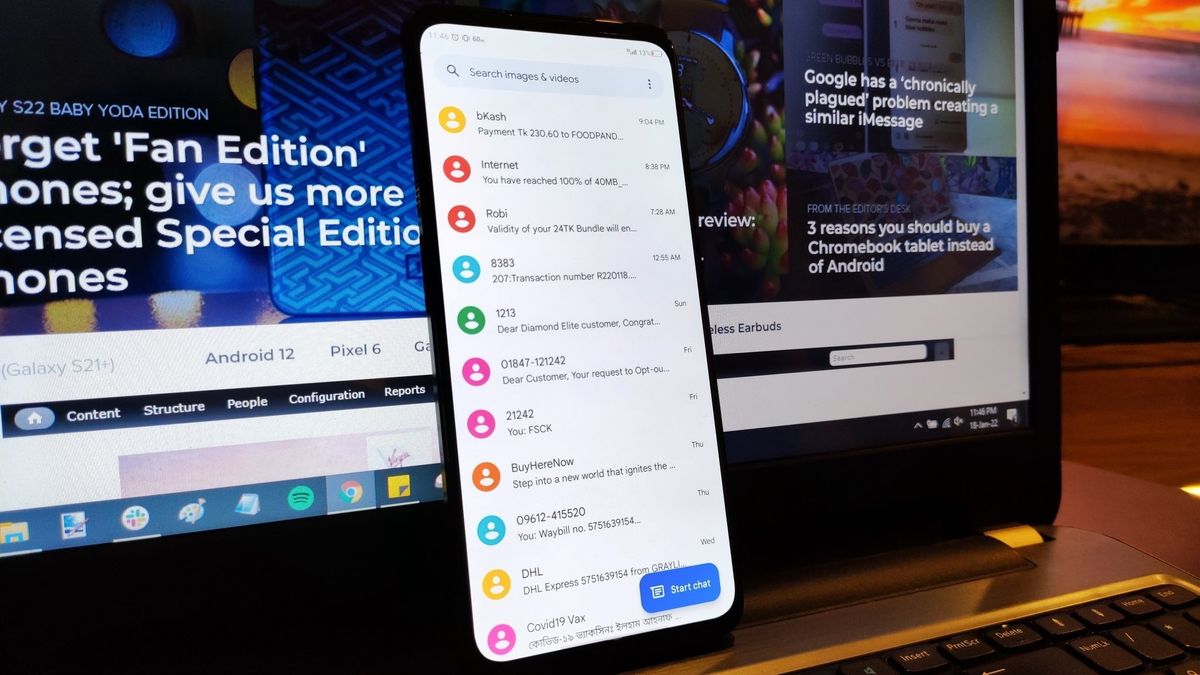
Samsung Galaxy users who rely on Google Messages for RCS chats may have noticed a frustrating problem recently. Photos, videos, files, and other media attachments are sometimes failing to send through RCS messages.
The good news is that Google is aware of the problem and is already working on a fix. The company says an update is being rolled out and should reach affected users over the coming weeks.
What Is Causing the Google Messages RCS Media Issue?
The problem appears to be linked to a bug in Google Messages. Some users have reported that regular RCS messages may work, but media attachments fail to reach the recipient.
This includes common files such as photos and videos. Other types of attachments can also be affected.
The issue does not appear to affect every Google Messages user. Google has described it as a problem affecting a subset of users, which means your Galaxy phone may work normally even if other users are experiencing the issue.
For people who regularly share photos, videos, or documents through RCS, however, the problem can quickly become annoying.
Google Is Already Working on a Fix
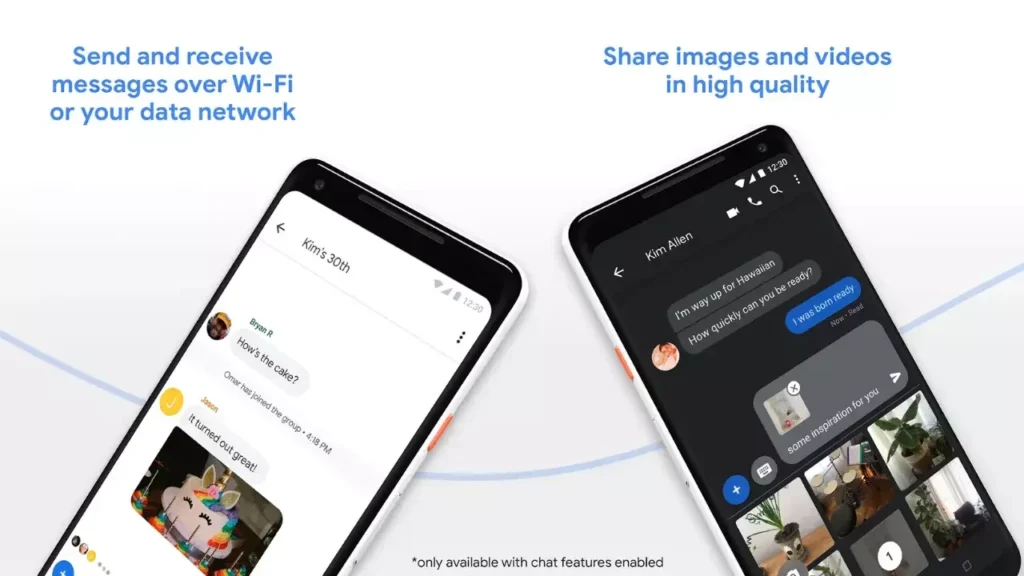
Google has confirmed that it has identified the delivery problem and is rolling out a fix.
The company has not clearly explained what caused the bug. It is also still unclear whether the solution will arrive through a normal Google Messages app update or a broader Google Play system update.
For now, Google recommends keeping the Google Messages app updated. This is especially important for Galaxy users who are already experiencing problems with RCS media.
RCS vs Traditional Messaging
| Feature | SMS/MMS | RCS |
|---|---|---|
| High-quality photos | Limited | Yes |
| Video sharing | Limited | Better support |
| Read receipts | No | Yes |
| Typing indicators | No | Yes |
| Internet connection | No | Yes |
RCS was designed to provide a much more modern messaging experience than traditional SMS and MMS. It supports features that users now expect from popular messaging apps.
What Galaxy Users Should Do
If you are facing the Google Messages RCS media issue, the first step is simple: check the Google Play Store for an available Google Messages update.
Open the Play Store, search for Google Messages, and check whether an update is available. Installing the latest version may help once Google’s fix reaches your device.
If there is no update yet, you may need to wait for the rollout to reach your phone.
It is also worth remembering that the issue is specifically related to certain RCS media deliveries. If your normal text messages are working, there may be no problem with your Galaxy phone itself.
A Fix Should Make RCS More Reliable
RCS has been promoted as a major improvement over older SMS and MMS messaging, but problems like this can hurt the experience. Users expect sending a photo or video to be as simple as sending a normal message.
Google’s upcoming fix should make the experience more reliable for affected users. Until then, Galaxy owners should keep Google Messages updated and watch for the next release.