

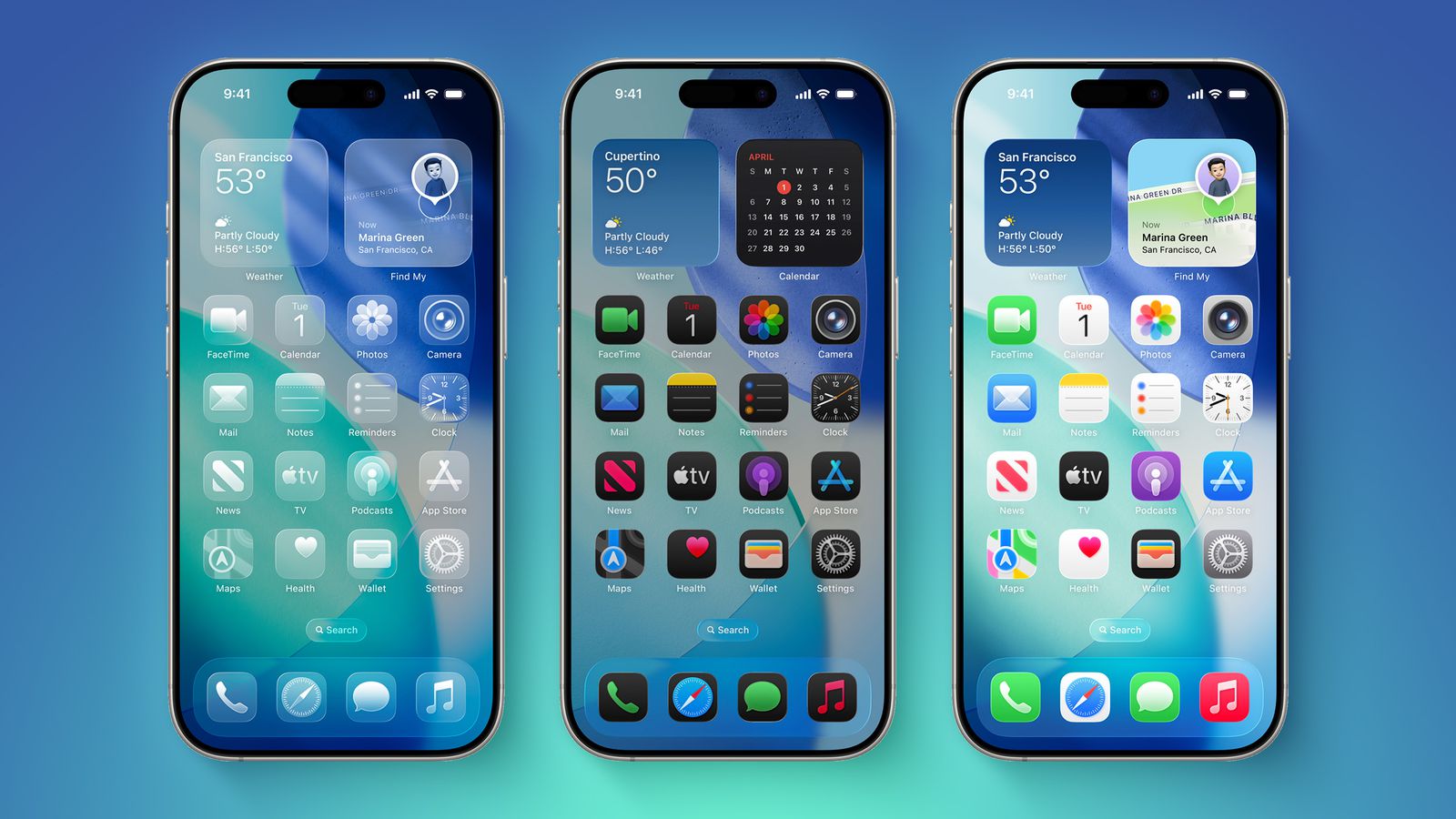
The iOS 27 home screen update is set to make customization simpler and more user-friendly. Apple has already improved personalization in recent updates, but this new change focuses on making adjustments quicker and less stressful.
If you like to organize apps and widgets on your iPhone, this update could make a big difference in your daily use.
What’s New in iOS 27 Home Screen?
The biggest highlight of the iOS 27 home screen update is the addition of Undo and Redo buttons. These options will appear in the existing edit menu when you long-press the home screen.
Right now, users can:
- Add widgets
- Change layout
- Edit wallpaper
- Manage pages
With iOS 27, two new controls will be added:
- Undo: Go back to your previous layout
- Redo: Reapply the change you just removed
This may seem like a small feature, but it solves a common problem many users face while customizing their screens.
Why This Update Matters
When you move apps or widgets, it can sometimes disturb the entire layout. Fixing these changes manually can take time and effort. The new undo and redo options remove this hassle.
You can now:
- Quickly fix mistakes
- Test different layouts without worry
- Switch between designs easily
This makes the iOS 27 home screen update especially useful for users who like to experiment with their phone’s look.
iOS 27 vs Previous Versions
Here’s a simple comparison to understand the improvement:
| Feature | Previous iOS Versions | iOS 27 Update |
|---|---|---|
| Widget customization | Available | Improved |
| Layout editing | Manual changes | Easier control |
| Undo option | Not available | Available |
| Redo option | Not available | Available |
| Ease of experimentation | Limited | Very flexible |
As seen above, the update focuses more on user control and flexibility.
More Expected Features in iOS 27
Apart from the iOS 27 home screen update, Apple is also working on other improvements. These may include:
- A new Liquid Glass adjustment slider
- Better Apple Intelligence features
- A major update to Siri
- Improved battery life and performance
These additions show that iOS 27 is not just about design, but also about better overall usability.
Final Thoughts
The iOS 27 home screen update may look like a small change, but it brings a big improvement in user experience. The undo and redo options give users more confidence while customizing their devices.
Instead of worrying about making mistakes, you can now try different layouts freely and find what works best for you.
If you enjoy personalizing your iPhone, this update is definitely something to look forward to.