

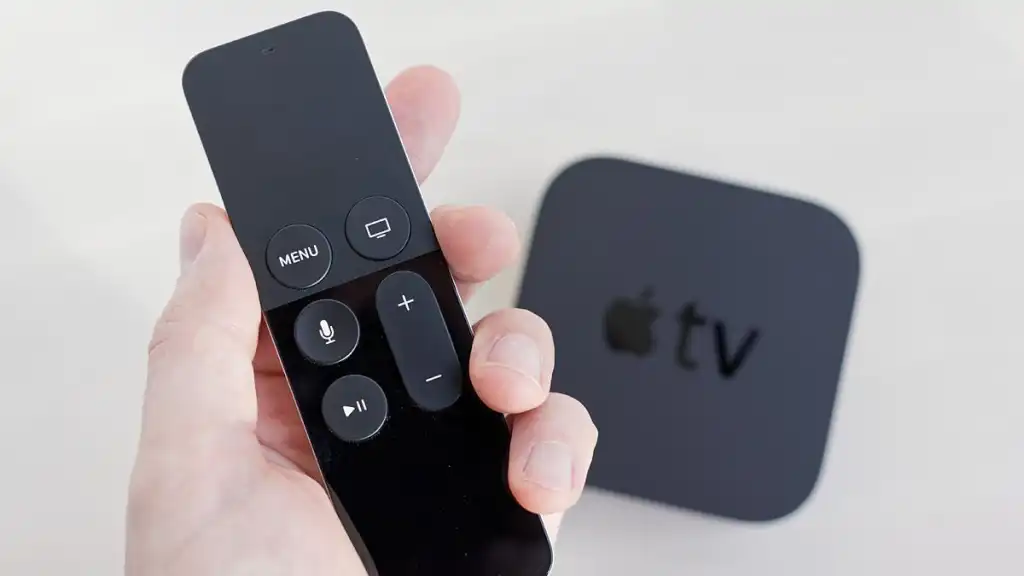
Many people wonder if keeping Apple TV on all the time can damage the device. Since streaming devices are often connected to power all day, it is natural to question whether this habit can reduce the device’s lifespan.
The good news is that Apple TV is designed to stay plugged in continuously. It automatically manages power usage and switches to a low-power mode when the device is not in use. Because of this feature, leaving Apple TV on all the time usually does not harm the device.
Understanding how the system works can help you use it with confidence and avoid unnecessary concerns.
Apple TV Automatically Enters Sleep Mode
When you stop using Apple TV, the system does not continue running at full power. Instead, it enters sleep mode after a short period of inactivity. This process reduces power consumption and lowers the workload on internal components.
Sleep mode allows the device to stay ready without putting pressure on the hardware. When you press the remote again, Apple TV wakes up almost instantly, which makes it convenient for everyday streaming.
This automatic sleep feature is one of the main reasons why leaving Apple TV powered on is generally safe.
Heat and Device Lifespan
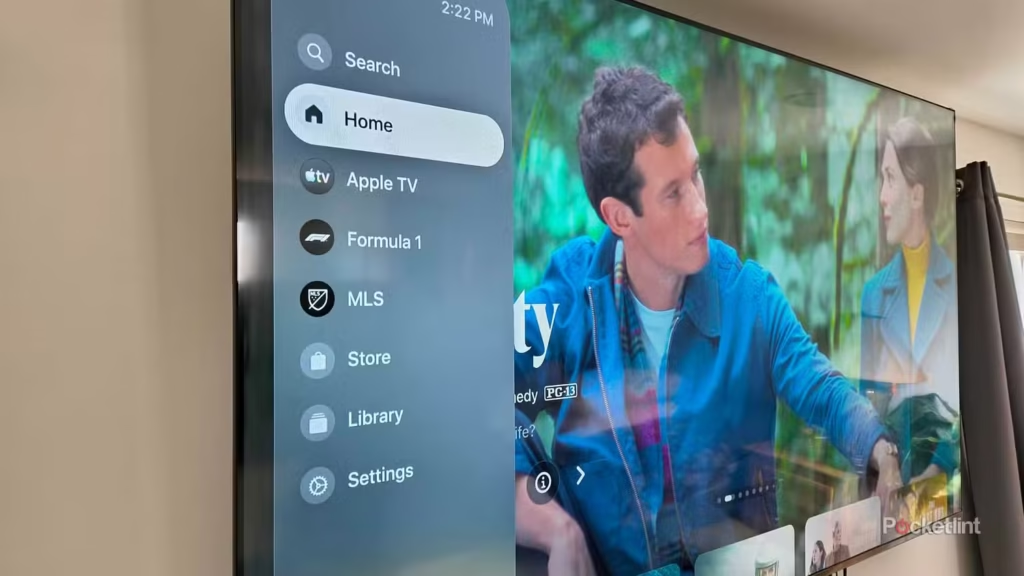
Heat is usually the biggest concern when electronics remain powered for long periods. However, Apple TV is designed with energy-efficient hardware that produces very little heat during normal use.
While streaming movies or shows, the device may feel slightly warm. This is completely normal. As long as Apple TV is placed in an open area with proper airflow, the temperature remains within safe limits.
Keeping the device in a well-ventilated space is a simple way to ensure it continues working smoothly for years.
Power Usage When Apple TV Stays On
Another common concern is electricity usage. Many users assume that leaving the device on will increase their power bill. In reality, Apple TV consumes very little energy compared to other home electronics.
Below is a simple comparison of power usage in different situations.
| Activity | Power Usage |
|---|---|
| Sleep mode | Very low |
| Streaming video | Low |
| Gaming or heavy apps | Moderate |
Even if you use Apple TV every day, the overall electricity cost remains minimal. The system’s sleep mode helps keep energy consumption under control.
Possible Minor Issues Over Time
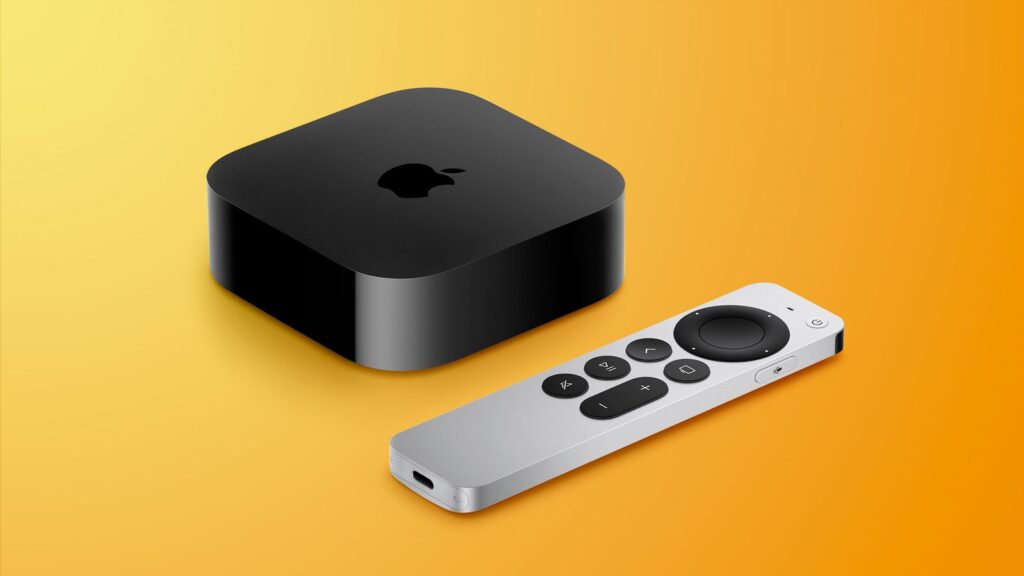
Although keeping Apple TV on all the time does not damage the device, there can be a small buildup of temporary system files over time. These files are known as cache data.
Cache helps the system load apps faster, but it can occasionally grow larger than necessary. When this happens, the device may feel slightly slower than usual.
The good news is that this issue is easy to fix. Restarting the device from the settings menu clears temporary files and refreshes the system.
Should You Turn Apple TV Off Sometimes?
You do not need to turn Apple TV off every day. The system is designed for continuous use, just like many other home devices such as routers or smart home hubs.
However, restarting it occasionally can help maintain smooth performance. Doing this once in a while is enough for most users.
Final Thoughts
Keeping Apple TV on all the time does not damage the device. The system automatically manages power usage, enters sleep mode when idle, and produces very little heat during normal operation.
As long as the device has proper ventilation and occasional restarts, it should continue working reliably. For most people, leaving Apple TV powered on is the easiest and most convenient way to enjoy uninterrupted streaming.