

Managing projects becomes more challenging as a business grows. Teams often work on multiple tasks at the same time, deadlines become tighter, and keeping everyone updated can be difficult. This is where monday.com makes a real difference. It provides a single platform where teams can plan projects, assign work, monitor progress, and collaborate without confusion.
If your business is looking for a simple way to improve productivity and keep projects on track, understanding how monday.com works can help you make the right decision.
Why Efficient Project Management Matters
Every successful project depends on good planning, clear communication, and timely execution. When information is spread across emails, spreadsheets, and different applications, it becomes harder to track progress and identify delays.
monday.com brings all project-related information into one workspace. Team members know exactly what they need to do, managers can monitor progress in real time, and business leaders gain better visibility into ongoing work.
If you would like to learn more about improving workplace efficiency, you can also read our guides on project management software, workflow automation, and team collaboration tools.
Features That Improve Project Management
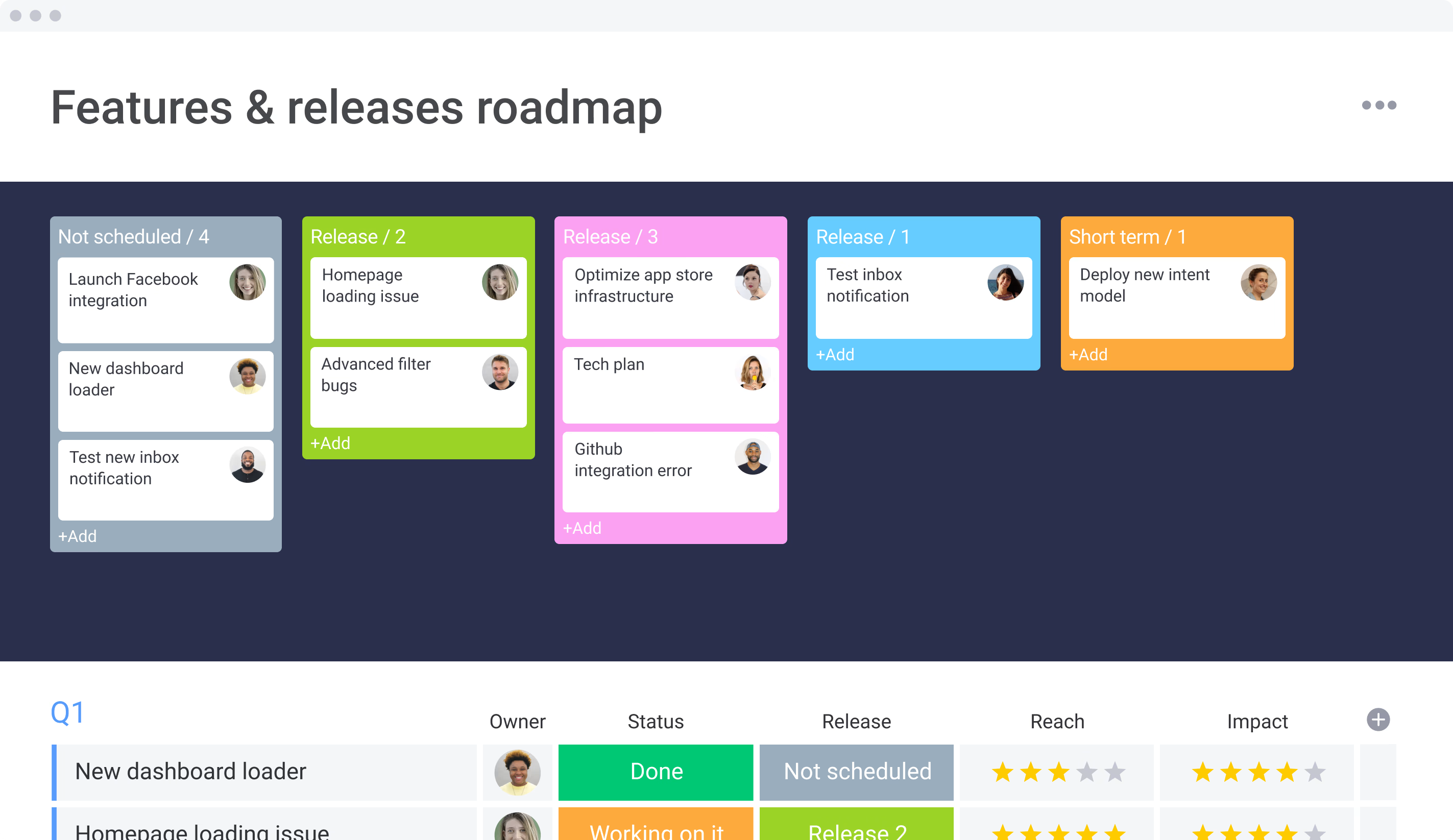
One of the biggest advantages of monday.com is its wide range of practical features. These tools help businesses stay organized while reducing manual work.
Some of the most useful features include:
- Task assignment with clear ownership
- Visual project boards for easy tracking
- Calendar, Timeline, Kanban, and Gantt views
- Workflow automation for repetitive tasks
- Real-time notifications and updates
- File sharing and team discussions
- Custom dashboards and reports
- Time tracking for better resource management
- Integration with popular business tools
These features help teams complete projects faster while maintaining better communication throughout the process.
monday.com vs Traditional Project Management
| Feature | monday.com | Traditional Methods |
|---|---|---|
| Project Planning | Centralized workspace | Multiple spreadsheets |
| Task Tracking | Live updates | Manual follow-up |
| Team Collaboration | Built-in communication | Emails and meetings |
| Workflow Automation | Available | Mostly manual |
| Progress Reporting | Instant dashboards | Manual reporting |
The comparison shows why many businesses are replacing traditional project management methods with modern work management platforms.
How monday.com Improves Team Efficiency
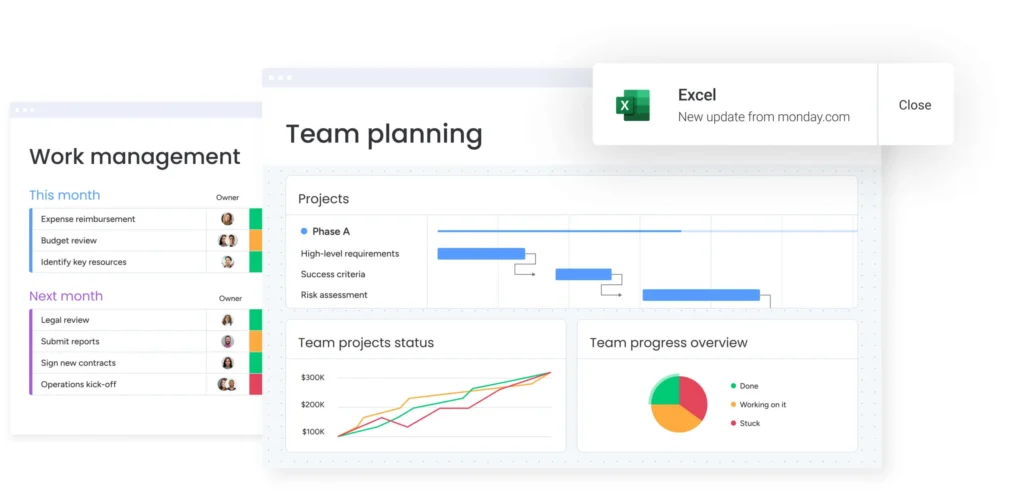
One of the strongest benefits of monday.com is transparency. Every team member can view project progress, upcoming deadlines, and assigned tasks without asking for regular updates. This reduces confusion and improves accountability.
Automation also saves valuable time. Routine activities such as sending reminders, updating task statuses, and notifying team members happen automatically. As a result, employees spend more time on meaningful work instead of repetitive administrative tasks.
The platform is also highly flexible. Businesses can customize workflows, dashboards, and project boards to match their own processes, making it suitable for different industries and team sizes.
Final Thoughts
Understanding how monday.com helps businesses manage projects more efficiently is easy once you see how its features work together. By combining project planning, task management, collaboration, reporting, and automation into one platform, it simplifies daily operations and helps teams stay focused on their goals.
Whether you manage a startup, a growing business, or a large organization, monday.com offers the flexibility and tools needed to improve productivity, reduce manual work, and complete projects successfully. It is a practical solution for businesses that want to manage projects with greater efficiency and confidence.