

Many users recently asked the same question: what broke Outlook? Emails stopped sending, inboxes stopped updating, and sign-ins failed for thousands of people. The issue was part of a wider Microsoft 365 email failure, coming just one day after Microsoft said it had resolved a similar outage.
For users who rely on Outlook for work and communication, the timing made things even more frustrating. Businesses, teams, and individuals were left waiting for answers while essential tools remained unstable.
What Exactly Went Wrong with Outlook?
The Outlook email problem was linked to a disruption inside Microsoft’s cloud infrastructure. Microsoft later confirmed that a portion of its service systems in North America was not handling traffic as expected. Because Outlook depends heavily on Exchange and cloud servers, email delivery was quickly affected.
Users reported problems such as emails not sending, delays in receiving external messages, and trouble signing in. Some admins also struggled to access management tools, making it harder to respond quickly.
Even after Microsoft identified the cause, restoring services took several hours. During that time, Outlook email failures continued for many users.
Microsoft 365 Services Impacted by the Outage
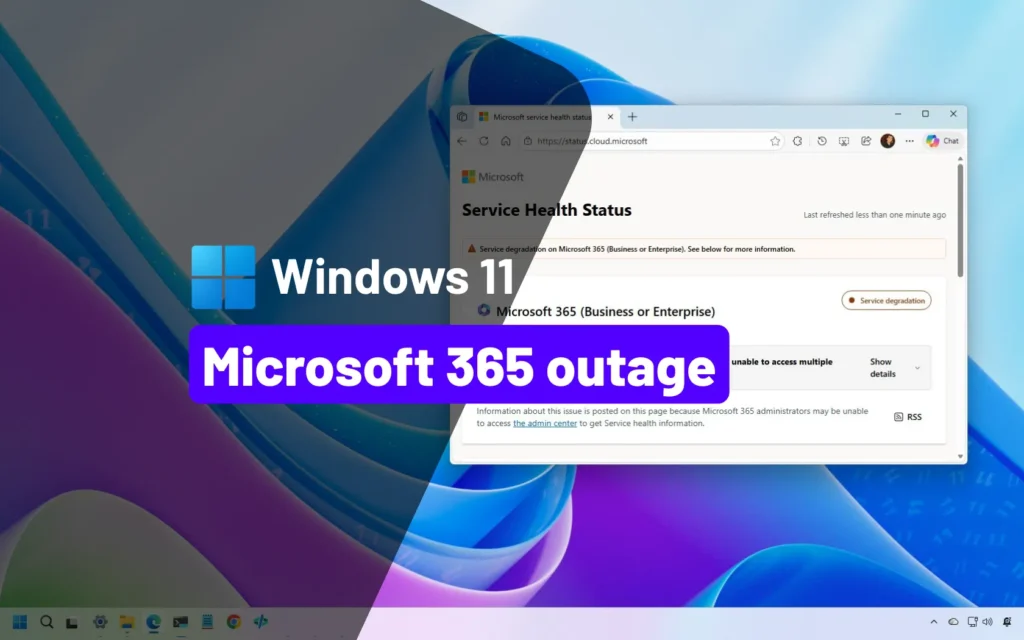
Although Outlook was the most visible issue, other Microsoft 365 tools were also affected. Here’s a simple comparison of the impact:
| Microsoft 365 Service | Level of Impact | User Experience |
|---|---|---|
| Outlook / Exchange | High | Emails not sending or receiving |
| Admin Center | Medium | Limited admin access |
| Server Infrastructure | Low | Login and connection issues |
This shows how one infrastructure problem can affect multiple services at once. If you manage business tools, this kind of outage can quickly disrupt daily operations.
Why This Outlook Failure Raised Concerns
What worried users most was that this was not the first outage of the week. A similar Microsoft 365 issue had occurred the day before and was said to be resolved. When Outlook failed again, users started questioning platform reliability.
For businesses, email downtime can mean missed client messages, delayed approvals, and slower decision-making. If you’ve read our earlier coverage on cloud service reliability, you’ll know that repeated outages can impact user trust over time.
How Microsoft Responded

Microsoft shared updates explaining that teams were working to rebalance service traffic and restore systems to a healthy state. While progress was made, full recovery did not happen instantly.
This highlights the complexity of large cloud systems. Even small infrastructure failures can take time to fully fix when millions of users are involved.
What Users Can Learn from This Outage
The latest Microsoft 365 email failure is a reminder that even major platforms are not immune to downtime. Outlook users should consider having backup communication options, especially for urgent work.
If you manage teams or businesses, reviewing internal processes for handling email disruptions can help reduce future impact. You can also explore our internal guide on staying productive during software outages.
Final Thoughts
So, what broke Outlook? A cloud infrastructure issue triggered a wider Microsoft 365 outage, leading to email failures and access problems. While Microsoft continues to improve system stability, repeated issues show why preparation matters.
Outlook remains a powerful tool, but this incident proves that users should always be ready for unexpected downtime.