

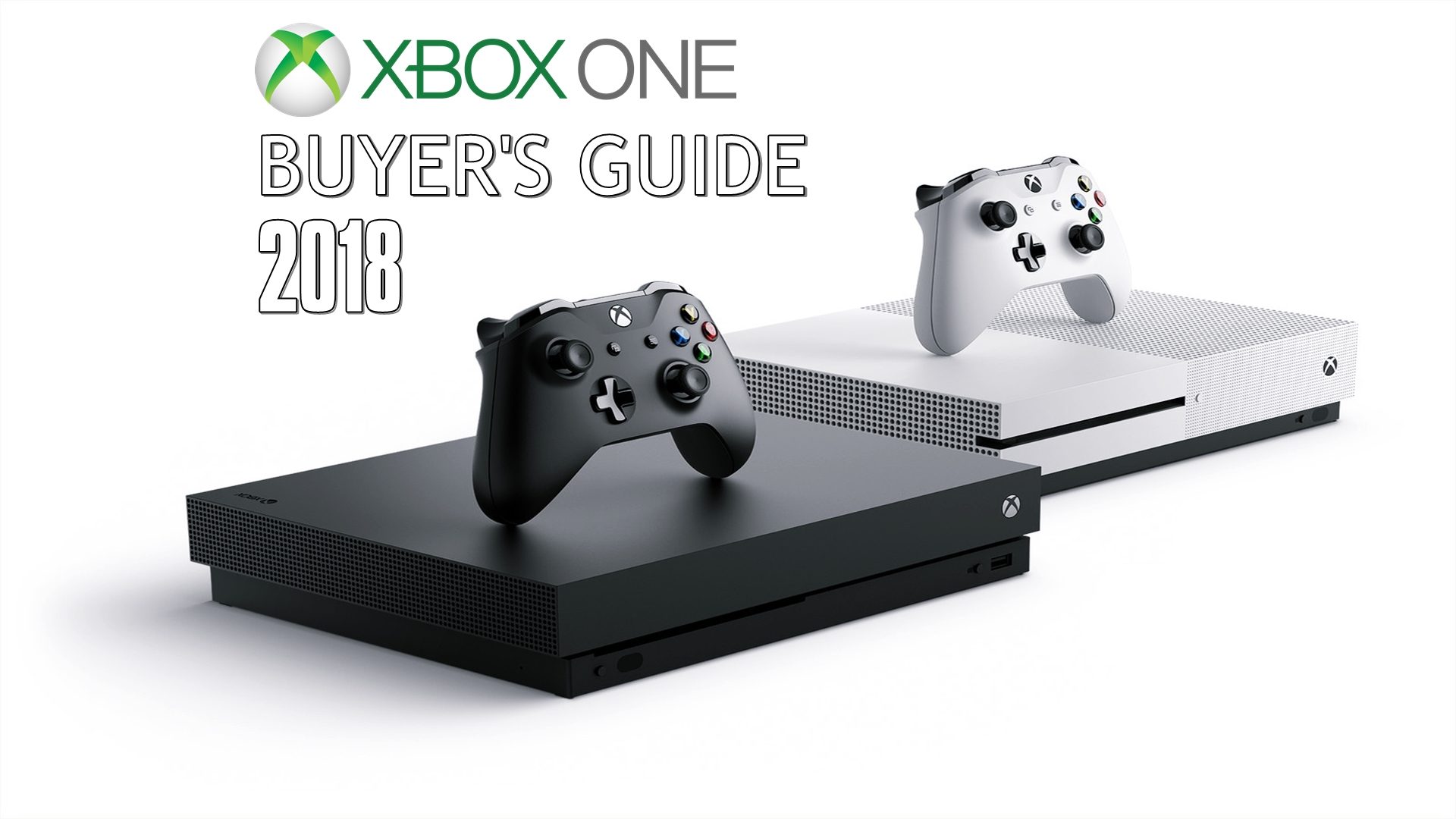
If you enjoy gaming on Xbox and want to share your gameplay with a growing audience, you may be wondering: can you stream Kick on Xbox? The answer is yes, but you need a third-party streaming service to connect your Xbox with your Kick account.
Streaming can help you reach more viewers, especially when you provide entertaining gameplay, clear audio and regular content. Fortunately, you do not need a powerful gaming PC for the entire process.
Can You Stream Kick on Xbox Without a PC?
Yes, but there is an important detail. You may need a computer or laptop during the initial setup, depending on the streaming method you choose. After the setup is complete, you can usually stream directly from your Xbox through the connected service.
Two commonly used options are Lightstream and Streamlabs Console.
| Feature | Lightstream | Streamlabs Console |
|---|---|---|
| Xbox streaming | Yes | Yes |
| Computer needed for initial setup | Usually | Usually |
| Cloud-based setup | Yes | Yes |
| Graphics and overlays | Available | Available |
| Kick support | Yes | Yes |
How to Stream Kick on Xbox Using Lightstream
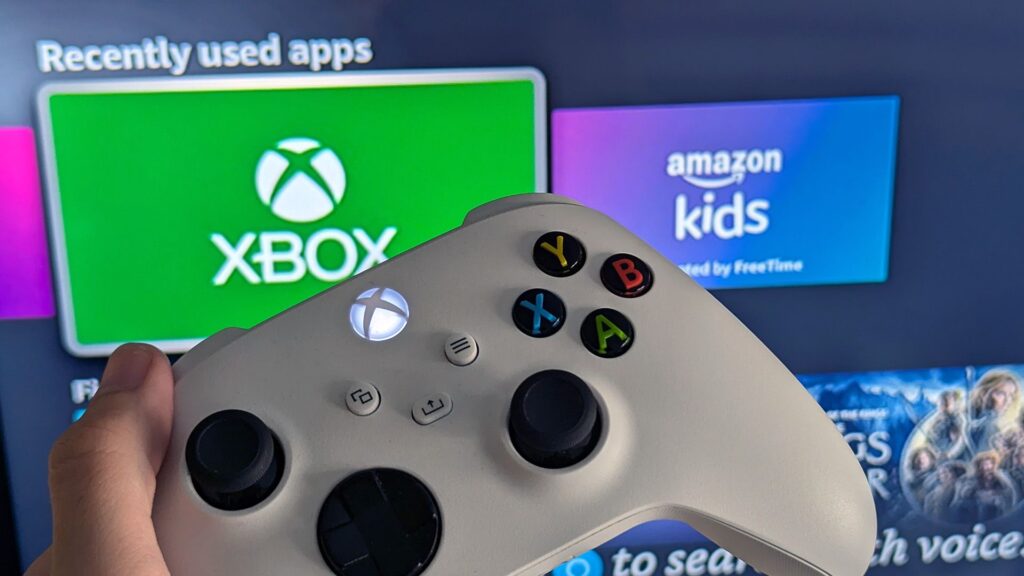
First, create and verify your Kick account and set up a Lightstream account. You will also need your Kick stream key. You can find it inside your Kick streaming settings.
Keep your stream key private because anyone who gets access to it may be able to broadcast on your channel.
Next, log in to Lightstream through a browser and configure Kick as your streaming destination. Enter the required RTMP information and your stream key.
Once Lightstream is ready, open the Twitch app on your Xbox and connect it with the configured streaming service. Go to the Xbox capture and sharing options, select live streaming and choose Lightstream as the destination.
After that, your Xbox gameplay can be sent to Lightstream, where your selected overlays and graphics can be added before the stream reaches your Kick channel.
Using Streamlabs Console
Another option is Streamlabs Console. Create an account and configure your streaming scene through the service. When setting the destination, select Kick.
Then open the required streaming options on your Xbox and choose Streamlabs as the destination. Once everything is connected, you can start broadcasting your gameplay.
This method can be useful if you want additional customization for your streams without managing everything through a computer.
Tips for Better Kick Streams
Good video quality is important, but audio quality is just as important. Before going live, check your Xbox microphone settings and make sure your microphone is enabled. A short test can help you avoid silent streams.
Your internet connection also affects video quality. If your upload speed is strong and stable, 1080p can provide a sharper picture. If your connection struggles, 720p may offer a smoother experience.
For fast-paced gameplay, a bitrate around 6,000 kbps can provide good quality when your connection can handle it.
You can also connect a compatible USB webcam to show your face and reactions during gameplay.
Final Thoughts
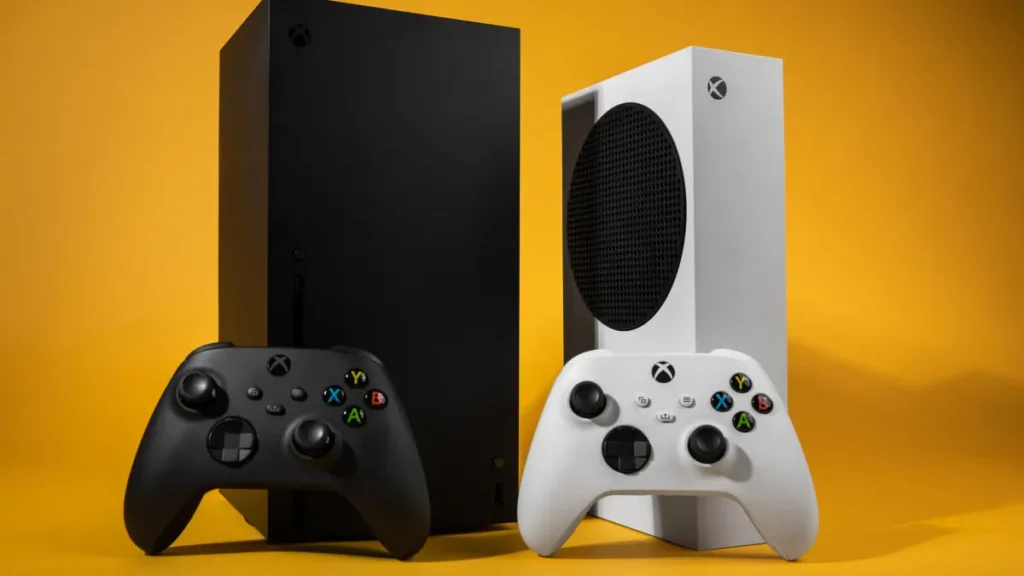
So, can you stream Kick on Xbox? Yes. With services such as Lightstream or Streamlabs Console, Xbox users can connect their console gameplay to Kick without needing a dedicated streaming PC running all the time.
Once the initial setup is finished, streaming can become a simple part of your gaming routine.