

Cybersecurity experts and the FBI are warning Microsoft users about a dangerous new phishing attack that can hijack accounts without stealing passwords directly. The attack uses a phishing platform called Kali365, which targets Microsoft 365 services like Outlook, Teams, and OneDrive.
The biggest concern is that attackers can bypass multi-factor authentication and gain access to accounts even when users believe they are protected.
What Is Kali365 and Why Is It Dangerous?
Kali365 is a phishing tool first discovered in April 2026. According to the FBI, cybercriminals are using it to trick users into giving account access through fake verification requests.
The attack usually starts with a phishing email that looks like it comes from a trusted service, such as a document-sharing platform. The email contains a device verification code and asks the user to visit a real Microsoft verification page.
Because the website is genuine, many users trust it. After entering the code, they unknowingly allow hackers to access their Microsoft 365 account.
Once access is granted, attackers can steal Outlook emails, Teams chats, OneDrive files, and other sensitive information without needing the user’s password.
How the Microsoft 365 Attack Works
Here is a simple breakdown of the attack process:
| Attack Step | What Happens |
|---|---|
| Phishing Email Sent | User receives a fake message from a trusted-looking source |
| Device Code Shared | Email includes a verification code |
| User Visits Microsoft Page | Victim enters the code on a real Microsoft site |
| Access Granted | Hacker receives account authorization tokens |
| Data Access Begins | Outlook, Teams, and OneDrive data become accessible |
This method is dangerous because it uses real Microsoft services, making the scam harder to detect.
Why Cybercriminals Are Using Kali365

The FBI says Kali365 is becoming popular because it allows even unskilled hackers to launch advanced phishing attacks. The platform reportedly uses AI-generated phishing messages to target victims more effectively.
Attackers can also monitor targets in real time and steal authorization tokens quickly. This makes the attack more powerful than traditional phishing scams that only attempt to steal passwords.
With more companies relying on Microsoft 365 for communication and file storage, these attacks could impact both businesses and personal users.
How to Protect Your Microsoft Account
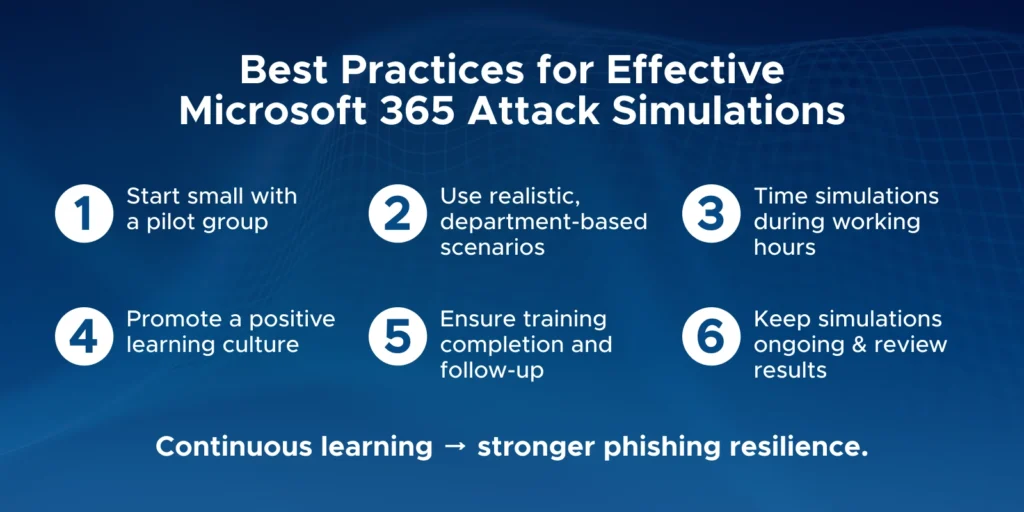
The FBI and Microsoft have shared several steps users can take to stay protected from Kali365 attacks.
Recommended Security Measures
- Avoid clicking links in unexpected emails
- Never enter verification codes unless you requested them yourself
- Check email senders carefully before opening attachments
- Keep your operating system and apps updated
- Block device code authentication where possible
- Review account access permissions regularly
Microsoft also recommends learning how to identify phishing emails before interacting with them.
Why This Warning Matters
Cyberattacks are becoming more advanced every year. Unlike older scams, Kali365 does not rely on stealing passwords directly. Instead, it tricks users into giving permission to attackers.
This makes awareness more important than ever. Businesses using Microsoft Outlook, Teams, and Microsoft 365 should review their security settings immediately to reduce risks.
Users interested in online safety can also explore topics like phishing scam prevention, AI-powered cyberattacks, and Microsoft security updates to stay informed about the latest digital threats.